
Maximize or tile
Right-click to maximize, tile left, or tile right.

▦ Designed for macOS. Requires macOS 14 or later.
Open, minimize, and switch apps with a click. Beautiful and efficient.
01 / WINDOW CONTROLS
Switch apps and minimize with a click.
02 / COMBINE WINDOWS
Group windows by app to save taskbar space.


03 / START MENU
Find apps quickly and pin your favorites at the top.
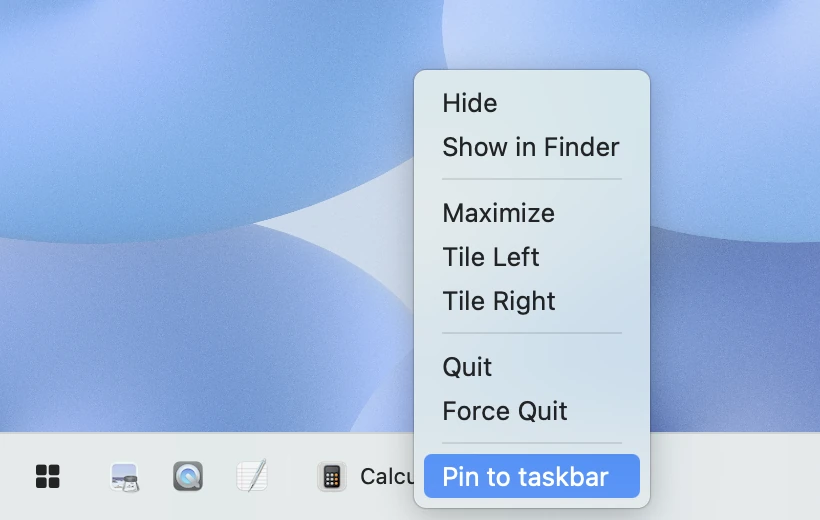
04 / PINNED APPS
Pin apps to the taskbar. They wait quietly in place, even after you quit.
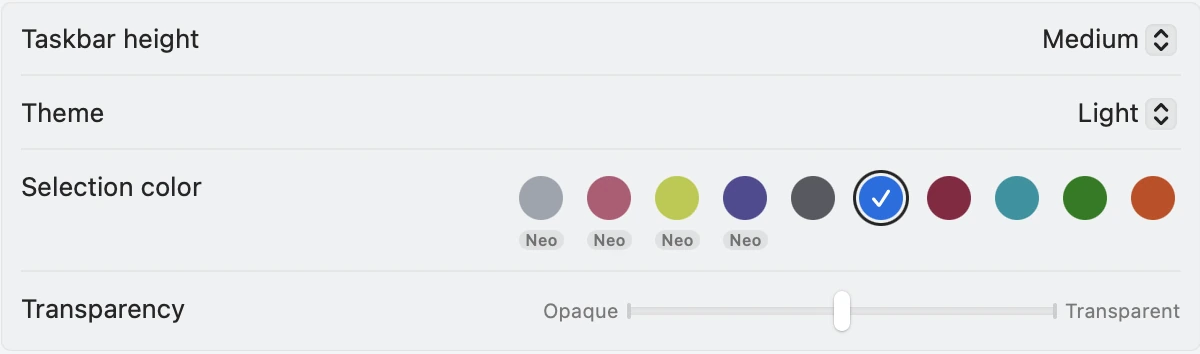
05 / APPEARANCE
Customize height, color, and transparency. Make it your own.


Preview themes
06 / START BUTTON
Cats, dogs, and mice. A little clueless, but happy to help you open apps.
Custom images are supported.
07 / MORE CONTROLS
Right-click to maximize, tile left, or tile right.

Drag icons into the order that works for you.
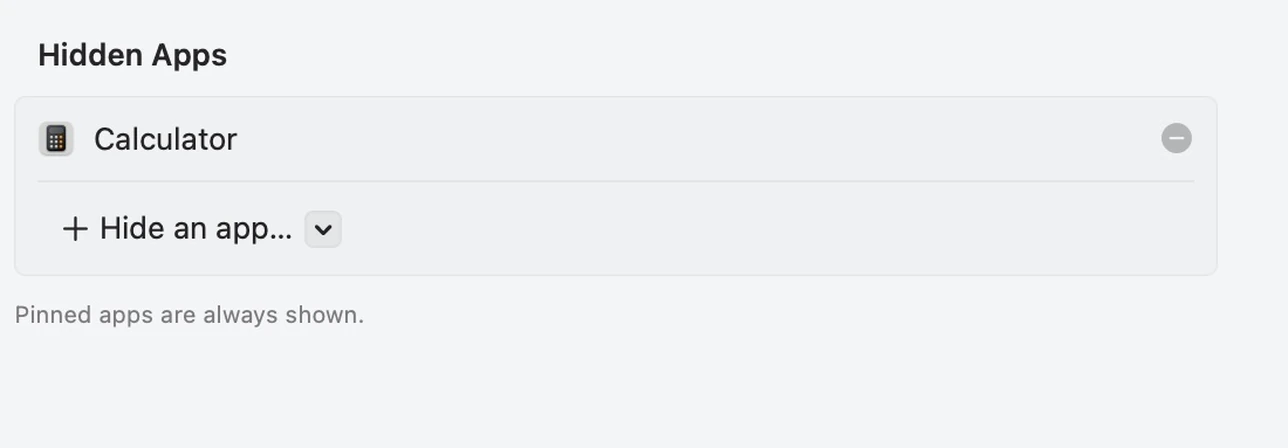
Hide apps from the taskbar while they keep running.
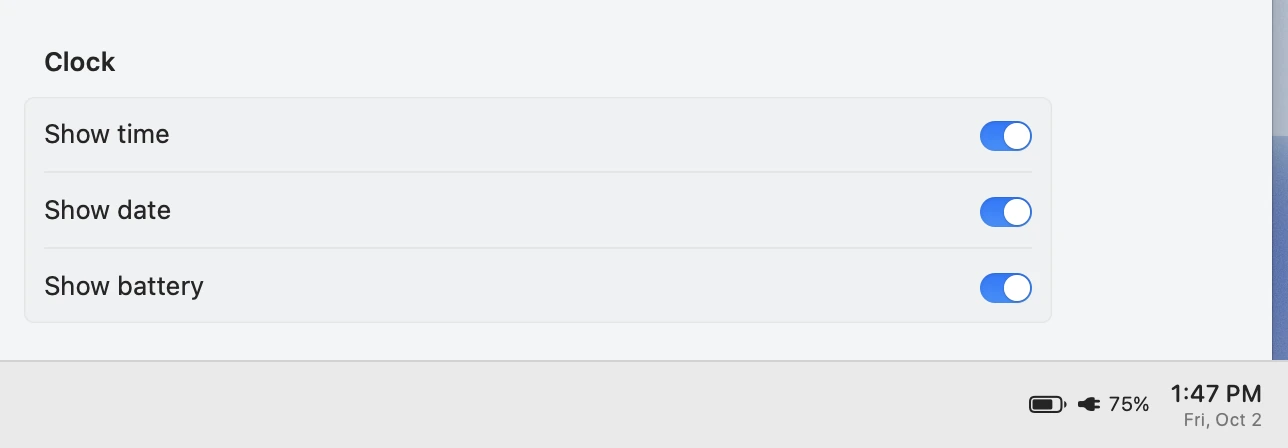
Show the time, date, and battery when you need them.
Switch apps on any display without moving back to your main screen.
A red dot signals unread notifications.
Minimize all windows with a shortcut to reach your desktop files.
Hide app names to make room for more apps.
Dock-style dots mark running apps.
Ready when you log in, without opening it manually.
Pricing & licensing
$12
USD / device
For individual use
One-time payment. No subscription.
Excludes tax. Applicable taxes are shown at checkout.
One Mac
Maintenance updates for 1.x
14-day free trial
14-day unconditional refund on first purchase
$20
USD / device
For companies and business organizations
One-time payment. No subscription.
Excludes tax. Applicable taxes are shown at checkout.
One Mac
Maintenance updates for 1.x
14-day free trial
14-day unconditional refund on first purchase
FAQ
ByeDock is coming soon. Download it here at launch.
macOS 14 and later is the current target. Compatibility will be confirmed at release.
ByeDock can automatically hide the Dock and move it to the side of your screen. Quitting ByeDock restores your previous Dock settings.
To list, switch, minimize, and position windows.
Yes. Use one button per window, or combine an app’s windows into one icon.
Yes. Disable pointer tracking and idle animations separately, or switch back to an icon.
Download here when ByeDock launches.
Designed for macOS. Requires macOS 14 or later.